
PlayStation Game Sharing P2 and P3 explained: how it works, the differences and the risks
2026-11-03 · Guides
Short answer: game sharing means a game was bought on a shared account, and you get access to that account on your console. With P3, you activate the shared account on your PS5 and play on your own profile, with your own trophies and saves. With P2, you sign in to the shared account and play from it with an internet connection. It costs less, but the trophies and saves stay on that account.
Where game sharing comes from
PlayStation has a feature called Console Sharing and Offline Play (on PS4, it's "primary console"). You turn it on for one account on one console, and that account's games then run from any profile on that console. Game sharing is built on this feature: one purchased game is used by several people.
It's important to understand that PlayStation Network's rules prohibit giving your account details to other people. Sony rarely enforces this, but strictly speaking, game sharing works around the rules. It isn't an official feature.
P2 vs. P3: what's the difference
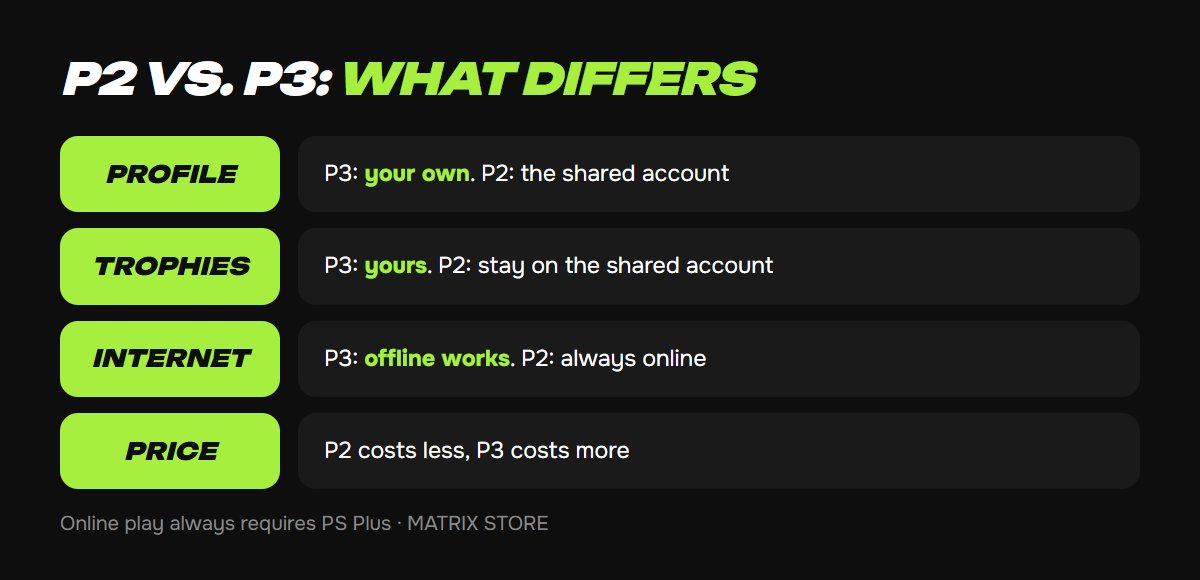
- Profile. P3: you play on your own profile. P2: you sign in to the shared account and play from it.
- Trophies and saves. P3: they're yours, on your profile. P2: they stay on the shared account.
- Internet. P3: you can play offline. P2: you need a constant connection.
- Online modes. Either way, online play requires a PS Plus subscription on your profile or on the account you're playing from.
- Price. P2 costs less and P3 costs more, because an account has only one console activation slot but several slots for playing from the account.
How to set up P3 on PS5 and PS4
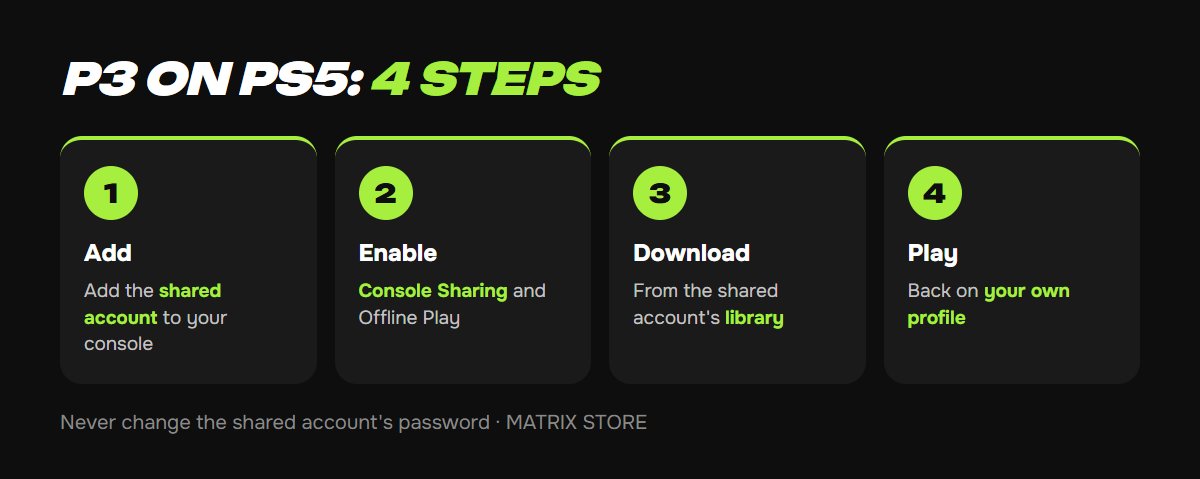
1. Add the shared account to your console. PS5: home screen → your avatar → Switch User → Add User → Get Started → sign in with the email and password you were given.
2. Turn on sharing for that account. PS5: Settings → Users and Accounts → Other → Console Sharing and Offline Play → Enable. PS4: Settings → Account Management → Activate as Your Primary PS4 → Activate.
3. Download the game from the shared account's library. Game Library → Your Collection → the game → Download.
4. Go back to your own profile and play. The game runs from your profile, and the trophies and saves are yours. You don't need to sign in to the shared account again.
For P2, the first step is enough: sign in to the shared account, download the game and play from it with an internet connection. Don't turn on sharing with P2, because that slot belongs to the P3 buyer.
Rules you must not break
- Don't change the shared account's password, email or security settings. Other buyers' access depends on them, and doing so usually costs you your access with no refund.
- With P2, don't turn on sharing on your console. It would turn sharing off for the P3 buyer.
- Don't buy anything on the shared account, and don't link your cards to it.
- If the game stops launching, don't try to fix it yourself. Message the seller.
Risks and how to choose a seller
- The game isn't yours. If the shared account gets banned or the seller disappears, your access goes too.
- Editions. Game sharing usually covers standard editions. Add-ons and Deluxe bonuses on a shared account often don't work for every buyer, so those editions are better bought on your own account.
- Choose a seller who has been around for a long time, answers support requests and restores access for free if an account stops working. Keep your payment proof and your chat history.
- If you want a game for the long haul and care about 100% trophies, buying it on your own account may end up being the better deal.
We've sold P2 and P3 game sharing since 2018 and restore access for free if a shared account stops working. See the catalog under PS5 Games.
FAQ
Is it forever or a rental? It depends on the seller. Some rent for a fixed term, others sell access with no time limit, so check before you pay. Ours is lifetime access.
Can I play P3 on two consoles? No. Sharing works on only one PS5. On a second console, you'd have to sign in to the shared account, as with P2.
Do I need PS Plus? Not for single-player. For online play, yes.
What happens if I reset my PS5? The P3 activation is lost. Message the seller first, then sign in to the shared account and turn sharing back on.
Quick checklist
- P3: your own profile and trophies, offline play works.
- P2: the shared account's profile, internet required, lower price.
- Never touch the shared account's password or security settings.
- Your seller restores access and answers support requests.
- Deluxe editions and games you want to own are better on your own account.
Don't want to deal with it?
We'll find you a game through P2/P3 Game Sharing or buy it on your own account, whichever you prefer. Pay with USDT. Questions? Message our manager on Telegram or WhatsApp.